Power rating
Published detail1,600 W PSU capacity. Dell also gives a 1,300 W output rating at 100 V; output depends on input voltage. [1]
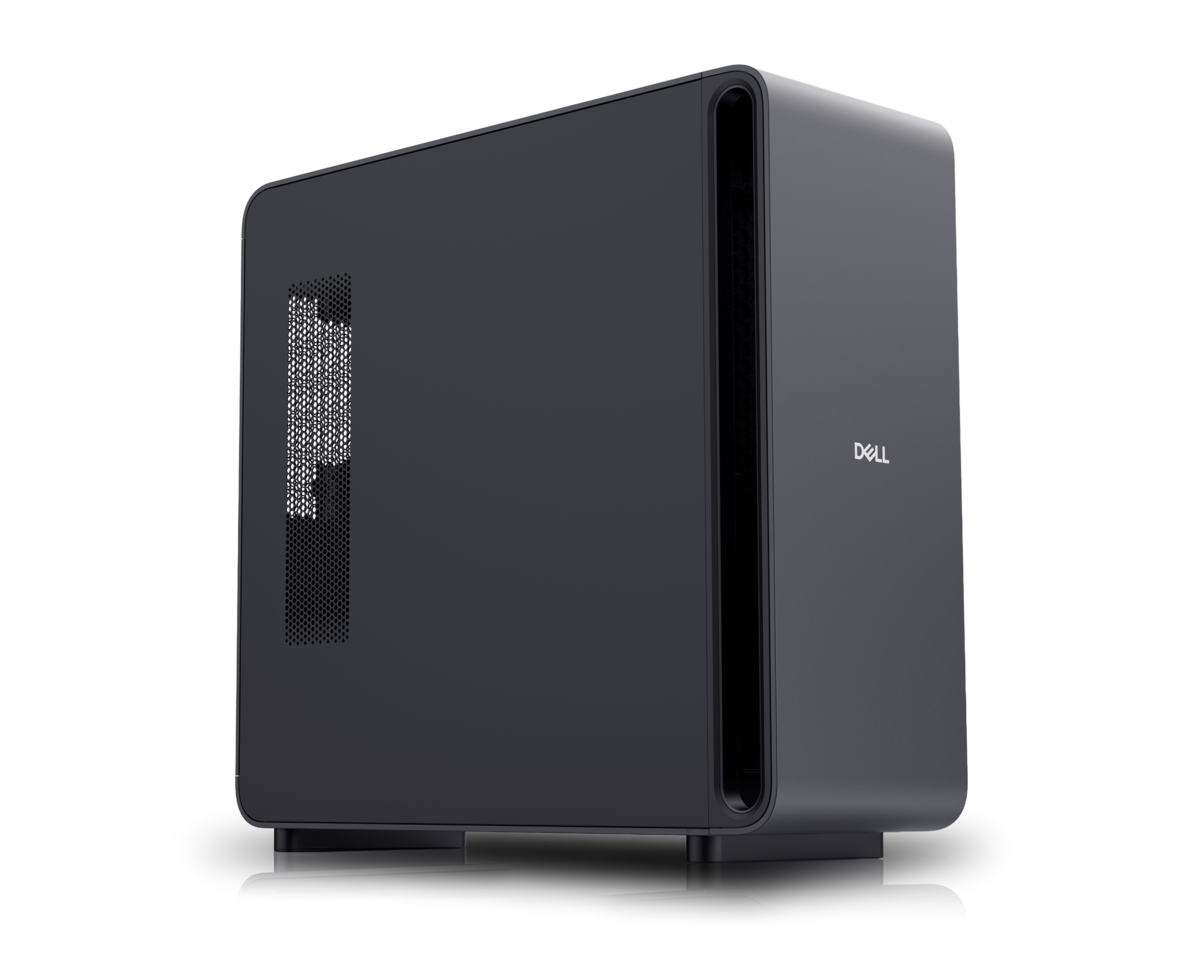
Manufacturer product image. The selected configuration may vary.
 Deskside workstation
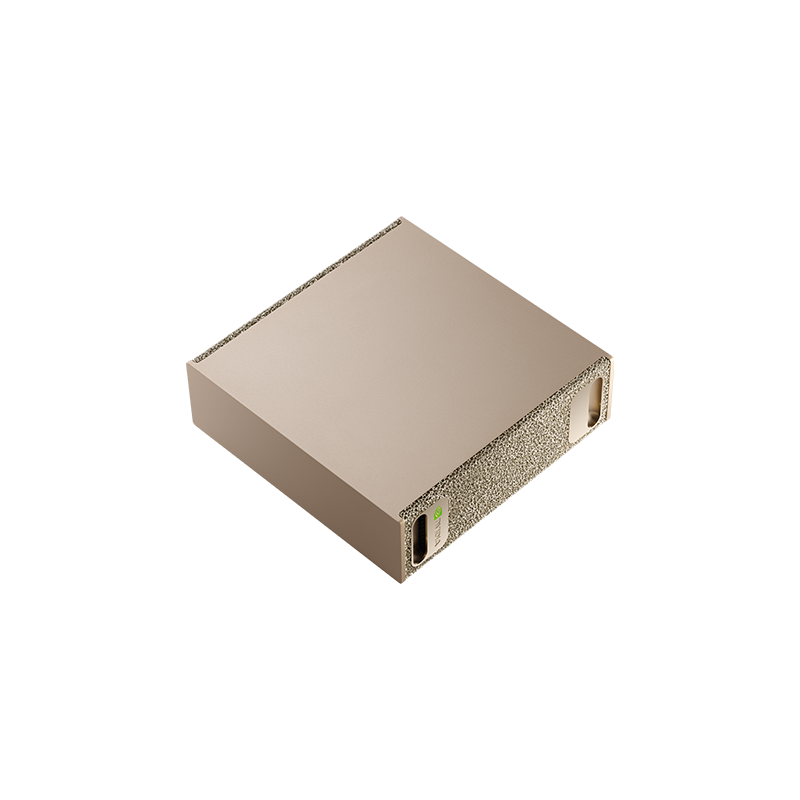
GB300 Grace Blackwell Ultra
A deskside reference platform for investigating much larger workloads and enterprise deployment requirements.
Compared withNVIDIA DGX StationDell Pro Max with GB10
BEFORE IT ARRIVES
What this configuration needs on your premises.
An office installation needs a planned circuit and enough cooling for long-running workloads. Dell explicitly requires a 20 A circuit.
1,600 W PSU capacity. Dell also gives a 1,300 W output rating at 100 V; output depends on input voltage. [1]
1,600 W rating: 115–240 V AC. Maximum input: 16 A at 115 V or 8 A at 240 V. Input frequency range: 47–63 Hz. [1]
20 A circuit required by Dell. Use the original power cable directly at the wall; Dell recommends isolating the computer from other devices. Confirm the regional installation with facilities. [1]
MaxCool liquid-cooling assembly with a cold plate, two heat exchangers and redundant pumps. [2]
Whole-system ambient temperature and humidity limits are not verified. A power-supply temperature limit is not a system limit.
No comparable noise measurement under an AI workload verified. Ask for dB(A), distance, workload and ambient conditions; audition it before placing it beside people.
ACTUAL CONSUMPTION
PSU capacity, chip TDP and measured consumption describe different things. Only measurements with a stated configuration and test method appear here.
No attributable wall-power test for this configuration was established in this review. Measure at the outlet with the exact model, workload, runtime and power mode recorded.
Allow for sustained room heat, including after office hours. A ventilated equipment room may be more practical for multiple systems or continuous jobs. An internal liquid cooler does not remove the need for room cooling.
Lab planning guidance. Office suitability depends on the installed configuration, shared circuits, heat removal and acceptable noise; a workstation label alone does not settle it.
Enter average power at the wall for the hours you are modeling, or an explicit planning assumption. Supply wattage and chip TDP are not consumption measurements.
Add wall power to calculate a scenario.
Scenario only. Hours outside this period are excluded: include idle time for an always-on system. Displays, networking, UPS losses and room air conditioning are extra. Heat assumes the computer and power supply release their heat into this room; it does not size a circuit or an HVAC system. Currency selects your tariff’s unit, with no conversion.
Manufacturer documentation and attributed first-hand hardware inspections, scoped to the named model or configuration. “Not verified” identifies a gap in this review, not a claim that the manufacturer has no documentation. Installation assessments are the Lab’s interpretation.
Keep sensitive processing on your infrastructure. Inspect every connection in the complete stack.
Control access, connectivity and updates. A local machine still needs a secure deployment.
Generate tokens on your own compute. Understand the full cost of the useful work it delivers.
SHARED WORK AROUND THIS PLATFORM
Reference-platform guidance and field records. Exact OEM configurations need their own validation.
 Understand TechField record
A professional-services firm’s on-premises deployment: applications, confidentiality and the expertise to operate the system. The firm is not named at its request.
 NVIDIA · indexed by the LabRecipe
Connect applications to a model server on a GB10 or GB300 reference platform using vLLM.
NVIDIA · indexed by the LabRecipeExplore SGLang serving, structured output and the conditions to check on a GB300 workstation.
THE PLATFORM BEHIND THE MACHINE
8 catalog configurations
BEYOND THE SPECIFICATION
Published guidance and checklists to help you investigate the full deployment.
UT’s reported journey across serving stacks, hardware integration and customer feedback. A starting record for the decisions and evidence still to publish.
An operator-reported startup observation from UT’s GB10/GB300 work. The next step is to identify the exact configuration and separate the startup phases.
An execution agent and confidential engineering test assets show how on-premises AI extends beyond office applications.
THE CONFIGURATION
ON YOUR PREMISES
BEFORE YOU CHOOSE
748 GB coherent memory comprises 252 GB HBM3e GPU plus 496 GB LPDDR5X CPU memory. These tiers have different bandwidths.
Regional snapshots cover specific configurations with RTX PRO 2000, four 4 TB drives and 12-month ProSupport. They are not entry prices or directly comparable landed costs.
UT’s founder reports a deployment of this system; comparable reproducible measurements are not yet published in this lab.
Manufacturer specificationsHelp improve this record. Suggest a correction
IN THE FIELD
Operating records from customers, contributors and the Lab.
A GB300-class appliance in production and a GB10-class appliance for development, installed at the firm, run the Understand Tech platform locally. The first application automates legal documents; the firm holds its source code.
Read the deployment recordGB300-class workstations serve local open-weight models for most of the work; frontier cloud models are called only for the tasks that need them. Engineers work in VS Code with a local harness and a specification assistant.
Read the deployment recordIn an office, a factory, an engineering lab or beside your test equipment. Share a deployment and keep the people behind it credited.
Contribute a deploymentTHE SHARED TECHNICAL LIBRARY
Supplier recipes, community experience and UT’s deployment lessons, connected to the hardware.
Browse serving, development and application guides.
Individual playbooks have their own hardware support matrices. Do not assume all target both platforms.
Why runtime selection became an operating decision at UT.
The narrative is operator-reported. Pinned versions and comparable results are still to be attached.
Separate download, preparation, model loading and service readiness.
An open investigation, not a diagnosed universal NIM issue. Cold and warm starts need separate measurement.
Loading updates…
MEMBER RATINGS · SELF-DECLARED, NOT MEASURED
One rating per member, tied to a Lab profile. Stars count immediately; written verdicts are published after a quick review by the Lab team. A rating is an opinion about fit for a job, not a benchmark.
THE PEOPLE BEHIND THE MACHINES
Questions, ideas and experience from putting AI machines to work. You do not need a finished deployment to contribute.
Loading the discussion…
THE MACHINE × THE MODEL × THE WORKLOAD
Connect the model, serving stack, workload and cost of operating this box.
| Model | Serving configuration | Capacity planning | Evidence | Inspect |
|---|---|---|---|---|
| Checkpoint default · confirm dtype | Vendor starting point | |||
| Checkpoint default · confirm dtype | Vendor starting point | |||
| Checkpoint default · confirm dtype | Vendor starting point | |||
| Checkpoint default · confirm dtype | Vendor starting point |
Mutable container tag; pin its digest and model revision.
Reference-platform evidence does not establish exact-OEM performance.
Each measured result belongs to one box configuration, one model, one serving stack and one workload. Publish latency, per-stream speed, request rate, errors and task quality together.