Power rating
Published detail240 W external adapter capacity; 140 W SoC TDP. Neither number is typical wall consumption. [1]
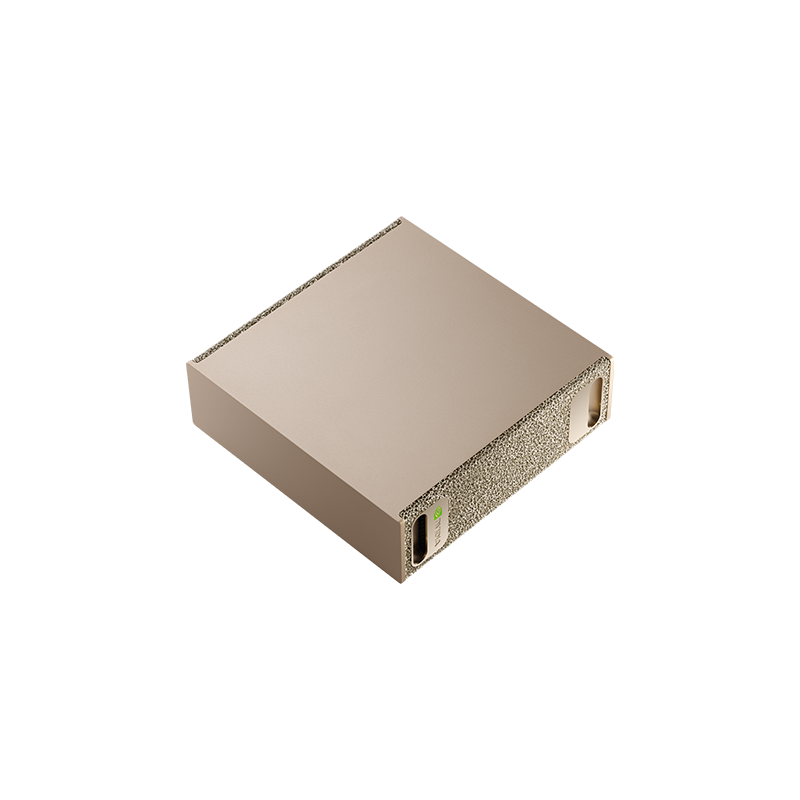
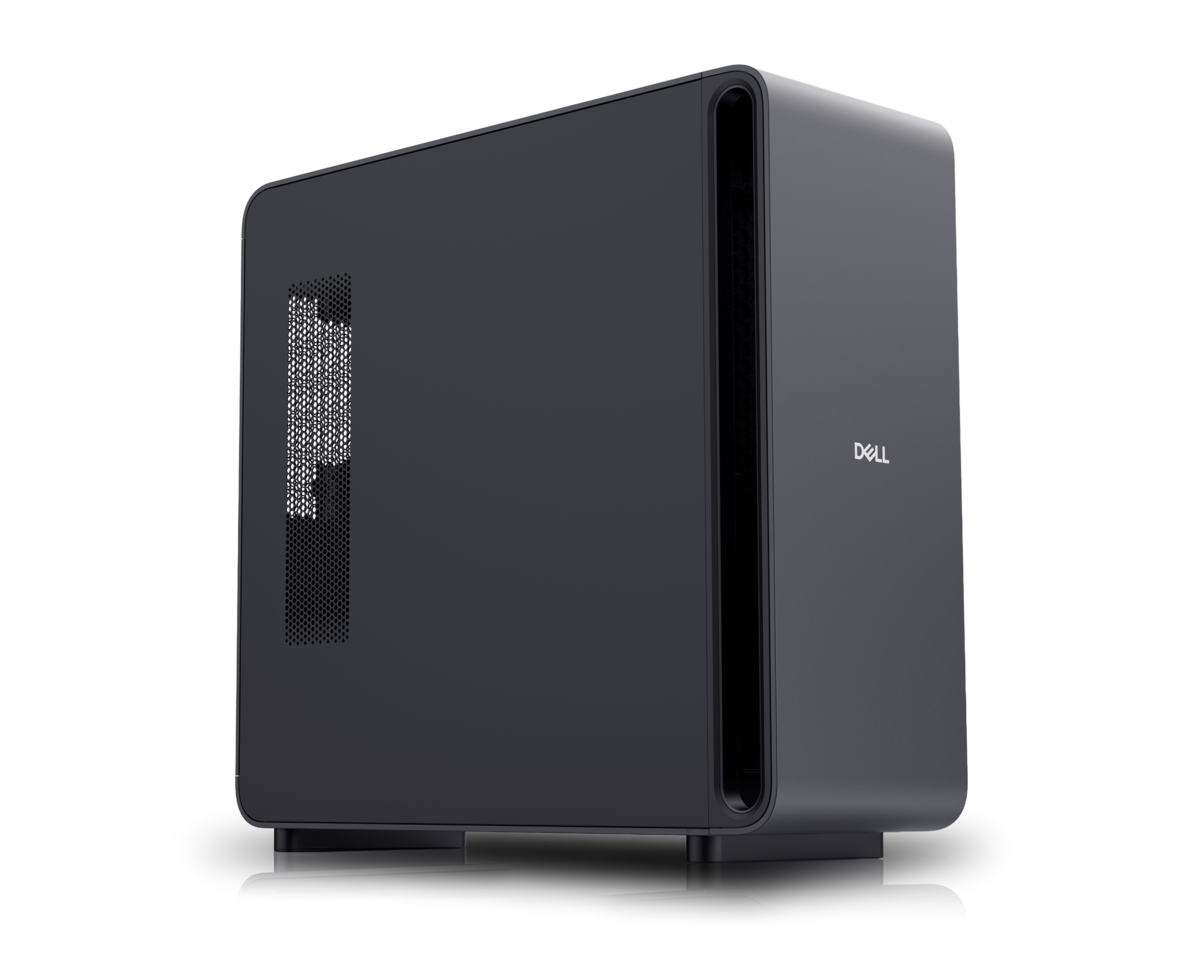
Manufacturer product image. The selected configuration may vary.
 Desktop AI system
GB10 Grace Blackwell Superchip
A compact NVIDIA development system for exploring local models, applications and workflows.
Compared withASUS Ascent GX10Dell Pro Max with GB10HP ZGX Nano G1nLenovo ThinkStation PGXAcer Veriton GN100GIGABYTE AI TOP ATOMMSI EdgeXpertApple Mac Studio · M3 UltraApple Mac Studio · M5 UltraFramework Desktop · Ryzen AI Max+MINISFORUM MS-S1 MAXHP Z2 Mini G1aAMD Ryzen AI HaloNVIDIA DGX Station
BEFORE IT ARRIVES
What this configuration needs on your premises.
A compact office candidate. Its documented operating ceiling is 30°C: an unventilated cupboard or warm equipment shelf needs particular attention.
240 W external adapter capacity; 140 W SoC TDP. Neither number is typical wall consumption. [1]
48 V DC, 5 A at the computer. Use the approved adapter and grounded power cord; check its AC input label for your region. [2]
No machine-specific branch-circuit requirement verified. Check the nameplate, regional cord and other loads on the same circuit.
Air-cooled heatsink and two fans, documented in ChargerLAB’s disassembly of the 4 TB model. Heat pipes also serve supporting components. [3]
5–30°C operating ambient. Keep the system and adapter ventilated. [2]
No comparable noise measurement under an AI workload verified. Ask for dB(A), distance, workload and ambient conditions; audition it before placing it beside people.
ACTUAL CONSUMPTION
PSU capacity, chip TDP and measured consumption describe different things. Only measurements with a stated configuration and test method appear here.
NVIDIA DGX Spark · regulatory model P4242
NVIDIA compliance measurements under IEC/EN 62623 at 230 V, 50 Hz. These are vendor test points, not measurements of an LLM workload or of another GB10 manufacturer’s box. [2]
Plan for the computer and its power supply to heat the room. Check ventilation during long jobs and when several machines share a small office.
Lab planning guidance. Office suitability depends on the installed configuration, shared circuits, heat removal and acceptable noise; a workstation label alone does not settle it.
Enter average power at the wall for the hours you are modeling, or an explicit planning assumption. Supply wattage and chip TDP are not consumption measurements.
Add wall power to calculate a scenario.
Scenario only. Hours outside this period are excluded: include idle time for an always-on system. Displays, networking, UPS losses and room air conditioning are extra. Heat assumes the computer and power supply release their heat into this room; it does not size a circuit or an HVAC system. Currency selects your tariff’s unit, with no conversion.
Manufacturer documentation and attributed first-hand hardware inspections, scoped to the named model or configuration. “Not verified” identifies a gap in this review, not a claim that the manufacturer has no documentation. Installation assessments are the Lab’s interpretation.
Keep sensitive processing on your infrastructure. Inspect every connection in the complete stack.
Control access, connectivity and updates. A local machine still needs a secure deployment.
Generate tokens on your own compute. Understand the full cost of the useful work it delivers.
SHARED WORK AROUND THIS PLATFORM
Reference-platform guidance and field records. Exact OEM configurations need their own validation.
 Understand TechField record
UT’s move from rented cloud GPUs to machines in its own office, and the engineering record behind it.
NVIDIA · indexed by the LabRecipeNVIDIA’s Open WebUI and Ollama guide, connected to the hardware and operating questions it raises.
NVIDIA · indexed by the LabRecipeConnect applications to a model server on a GB10 or GB300 reference platform using vLLM.
THE PLATFORM BEHIND THE MACHINE
8 catalog configurations
BEYOND THE SPECIFICATION
Published guidance and checklists to help you investigate the full deployment.
UT’s reported journey across serving stacks, hardware integration and customer feedback. A starting record for the decisions and evidence still to publish.
An operator-reported startup observation from UT’s GB10/GB300 work. The next step is to identify the exact configuration and separate the startup phases.
An execution agent and confidential engineering test assets show how on-premises AI extends beyond office applications.
THE CONFIGURATION
ON YOUR PREMISES
BEFORE YOU CHOOSE
Memory capacity does not establish interactive speed or simultaneous request capacity.
UT has documented a Spark deployment. Confirm exact software versions and support scope.
Manufacturer specificationsHelp improve this record. Suggest a correction
IN THE FIELD
Operating records from customers, contributors and the Lab.
Two agents run the lab’s existing Python test automation through the controller API, judge results against the formal pass/fail protocols, retest within protocol and report. After a three-month pilot, each test bench received its own GB10-class workstation.
Read the deployment recordA GB300-class appliance in production and a GB10-class appliance for development, installed at the firm, run the Understand Tech platform locally. The first application automates legal documents; the firm holds its source code.
Read the deployment recordUnderstand Tech moved its applications and shared inference from two rented cloud GPU instances to two DGX Spark units on the office floor: retrieval, agents and coding tools for the team.
Read the deployment recordA six-month pilot of a vision-plus-retrieval pipeline that turns intra-oral images into standardised phenotypes and weighted, source-cited rare-disease hypotheses. Production is designed for a DGX Spark-class appliance on site, air-gap capable, for health-data sovereignty.
Read the deployment recordIn an office, a factory, an engineering lab or beside your test equipment. Share a deployment and keep the people behind it credited.
Contribute a deploymentTHE SHARED TECHNICAL LIBRARY
Supplier recipes, community experience and UT’s deployment lessons, connected to the hardware.
NVIDIA documents enterprise lifecycle integration and custom installation patterns.
Example tools are not preinstalled. Adapt to your management system and check the documented support boundaries.
NVIDIA’s model-serving playbook.
Check the selected NIM profile, image digest, memory use and readiness time.
NVIDIA’s vLLM setup reference.
Pin the container and test your model, prompt lengths and simultaneous requests.
Loading updates…
MEMBER RATINGS · SELF-DECLARED, NOT MEASURED
One rating per member, tied to a Lab profile. Stars count immediately; written verdicts are published after a quick review by the Lab team. A rating is an opinion about fit for a job, not a benchmark.
THE PEOPLE BEHIND THE MACHINES
Questions, ideas and experience from putting AI machines to work. You do not need a finished deployment to contribute.
Loading the discussion…
THE MACHINE × THE MODEL × THE WORKLOAD
Connect the model, serving stack, workload and cost of operating this box.
| Model | Serving configuration | Capacity planning | Evidence | Inspect |
|---|---|---|---|---|
| MXFP4 | Vendor-listed validation | |||
| MXFP4 | Vendor-listed validation | |||
| NVFP4 | Vendor-listed validation | |||
| FP8 | Vendor-listed validation | |||
| FP8 | Vendor-listed validation | |||
| NVFP4 | Vendor-listed validation |
Mutable container tag; pin its digest and model revision.
Reference-platform evidence does not establish exact-OEM performance.
Each measured result belongs to one box configuration, one model, one serving stack and one workload. Publish latency, per-stream speed, request rate, errors and task quality together.